



Bill QR Code for Labs : Check Report Status and Download Reports
Today many laboratories are using Bill QR Code to help patients get their medical reports easily. It is a simple and useful system that saves time and reduces trouble for patients. With Labsmart's QR billing system, labs can print bills with a QR code. Patients can scan it to see, download, and share their reports anytime.

Join a free live demo now!
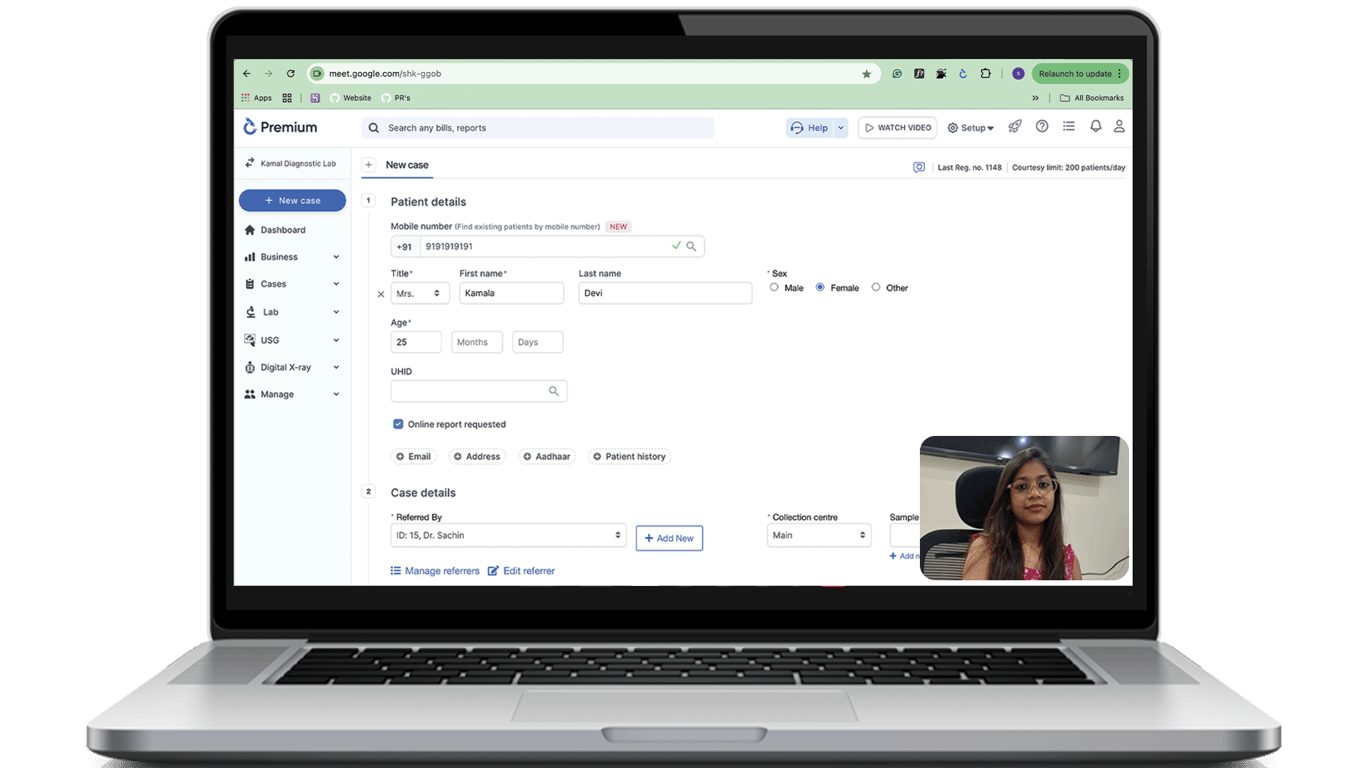
See all features live
Understand the benefits
Get your questions answered
No purchase pressure
What Are Bill QR Code?
A Bill QR Code is a QR code printed on the bill you get from a laboratory after doing a test. When you scan this QR code with your phone, you can check your report online.
With this QR code, you can:
-
Check if your report is ready or not.
-
Download the report when it is ready.
-
See your report anytime on your phone.
This means you do not need to visit the lab again and again for collection of reports.
How Bill QR Codes Work
The process is very simple.
After your test, the lab gives you a bill with a QR code.
You scan the QR code using your phone camera, QR scanner or Google lens.
You can:
-
Check report status.
-
Download your report.
-
Save the report on your phone.
-
Share the report with your doctor, family or friends.
This makes everything fast and easy.
Problems Bill QR Codes Solve
Before this system, patients had many problems.
Lost Reports
Sometimes people lose their reports. But if you have the bill, you can scan the QR code and download the report again.
Too Many Visits to the Lab
Earlier, patients had to go to the lab many times to check if the report was ready. Now you can check it from home.
Calling the Lab Again and Again
Many people call the lab to ask about their reports. With the QR code, you can check the status yourself.
Too Much Paper
Printed reports take space and can get damaged. Now reports can be saved on your phone.
Benefits of Bill QR Codes
Saves patient time
Less work for lab staff
Patients can check report status anytime
Reports can be downloaded and shared easily
Makes the lab look modern and professional
Reduces paper and storage
Improves lab branding
Reports saved on phone
Improve Your Lab with QR Bills
Using Bill QR code helps labs:
Look modern and professional
Save staff time
Give better patient experience
Reduce paper and storage
Setup & start billing
In just
5 minutes

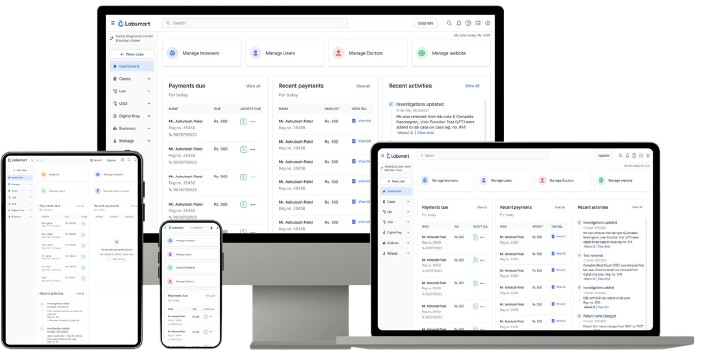
Features
Basic
Easy & Accurate Reporting
Start your 5 days free trial with Labsmart.